Skip to content
Innovation POD · Snowflake

Snowflake POD: a governed, cost-controlled Snowflake in about 12 weeks

A small, senior team that designs, migrates and builds on Snowflake inside your account. Ingestion with Snowpipe and Dynamic Tables, a modelled and governed data layer, warehouses sized per workload, and a path to Snowpark and Cortex AI. One agreed outcome — usually a first domain in production.

Who it is for

For teams building on Snowflake, or moving to it

Moving off a legacy warehouse

On-premise warehouses or Hadoop moving to Snowflake with converted SQL, parallel runs and reconciliation before anyone switches a report.

On Snowflake, with credits climbing

Warehouses left running, roles grown by copy-paste, sensitive columns visible to too many people, and no way to say which team spends what.

Bringing AI to Snowflake data

Snowpark and Cortex functions inside the account, so models and agents work on governed data without copying it out.

Signs it is time

  • Credits rise and nobody knows why
  • The role hierarchy grew by copy-paste
  • PII is visible to too many roles
  • Pipelines are scheduled scripts nobody owns
  • The same metric lives in three marts
  • AI pilots export data to work on it
Outcomes

What is true at the end of the POD

  1. An account design your team signed off

    Databases, environments, role hierarchy and warehouses per workload, written down with the reasons.

  2. A first domain in production

    Ingested, modelled and served, with tests on every model and reconciliation against the source.

  3. Governance that is enforced

    Masking and row access policies, object tags and access history, managed as code rather than granted by hand.

  4. Cost that is visible and capped

    Warehouses sized per workload, auto-suspend, resource monitors and spend attributed to teams with query tags.

  5. A platform rebuilt from code

    Terraform for the account, dbt with CI for the models, and environments promoted the same way every time.

  6. A path to AI on the same data

    Snowpark and Cortex functions where they are in scope, under the same roles and policies as SQL.

Week by week

What the team delivers, week by week

Week 1

Discovery

What the POD does
  • Agree the outcome and the first domain
  • Review the current account or source warehouse, pipelines and reports
  • Analyse query and credit history where it exists
What you have at the end
  • Outcome statement and scope
  • Cost and access findings, ranked
  • A fixed proposal naming the POD team
Weeks 2–4

Foundation

What the POD does
  • Design databases, environments, roles and warehouses
  • Provision with Terraform; set up dbt and CI
  • Land the first sources with Snowpipe or connectors
What you have at the end
  • Target architecture and role model
  • Platform and dbt repositories
  • First data landed and reconciled
Weeks 5–10

Build & migrate

What the POD does
  • Model the domain with dbt and Dynamic Tables
  • Convert legacy SQL; run old and new side by side
  • Apply masking, row access and tags; demo weekly
What you have at the end
  • Domain models in production
  • Reconciliation reports
  • Tests on every model
Weeks 11–12

Production & handover

What the POD does
  • Cut over the first wave of reports
  • Set resource monitors and cost attribution
  • Paired support and handover sessions
What you have at the end
  • Runbooks
  • Cost dashboard by team and workload
  • Plan for the next domains

Every week: a demo of working software against the outcome metric. Every two weeks: a steering review. No status decks.

Reference architecture

A governed data platform on Snowflake

The layers a Snowflake POD builds for the first domain, with governance and cost controls applied to all of them.

Sources

Operational databasesCDC or connectors
Legacy warehouseConverted and reconciled
SaaS & filesSnowpipe from object storage
Event streamsKafka with Snowpipe Streaming

Snowflake

RawLanded as it arrived
ConformedDynamic Tables, streams and tasks, dbt
Marts & semantic layerBusiness metrics, one definition
Data products & sharesSecure sharing, Iceberg tables
Virtual warehousesSized per workload
Horizon governanceRoles, masking, row access, tags

Consumers

BI & dashboardsOne semantic definition
Apps & data APIsGoverned, versioned
PartnersSecure data sharing
AI & agentsSnowpark and Cortex
Governance & operations
  • Roles as code
  • Masking and row access policies
  • Object tags and access history
  • Resource monitors
  • Cost attribution by query tag
  • dbt tests in CI
Reference architecture for a Snowflake POD: sources land raw, are conformed with Dynamic Tables and dbt, modelled into marts and served to BI, applications, partners and AI, with Horizon governance and per-workload warehouses controlling access and cost.

Roles before data

The role hierarchy and policies are designed first, so access never has to be untangled later.

A warehouse per workload

Loading, transformation, BI and data science get their own sized warehouses, so cost is attributable and one workload cannot starve another.

Open where it helps

Iceberg tables let Snowflake and other engines read the same data. Streaming into Iceberg.

Typical use cases

What Snowflake PODs are asked to do

Warehouse migration

Legacy warehouse or Hadoop onto Snowflake with parallel runs and reconciliation before cutover.

Credit right-sizing

Warehouse sizing, auto-suspend, resource monitors and chargeback. FinOps.

Governance clean-up

A role hierarchy rebuilt as code, with masking and row access policies on sensitive data.

Governed data sharing

Data products shared with partners and other business units without copies.

Streaming ingestion

Kafka into Snowflake in near real time. Runs with the Kafka POD when the source side needs work.

AI on Snowflake data

Snowpark and Cortex inside the account; plain-language answers with InsightCompose.

What the POD brings

Products the Snowflake POD starts from

Our own InsightLake products work on any warehouse, Snowflake included, and are deployed in your environment where they shorten the path.

Insight discovery & composition

InsightCompose

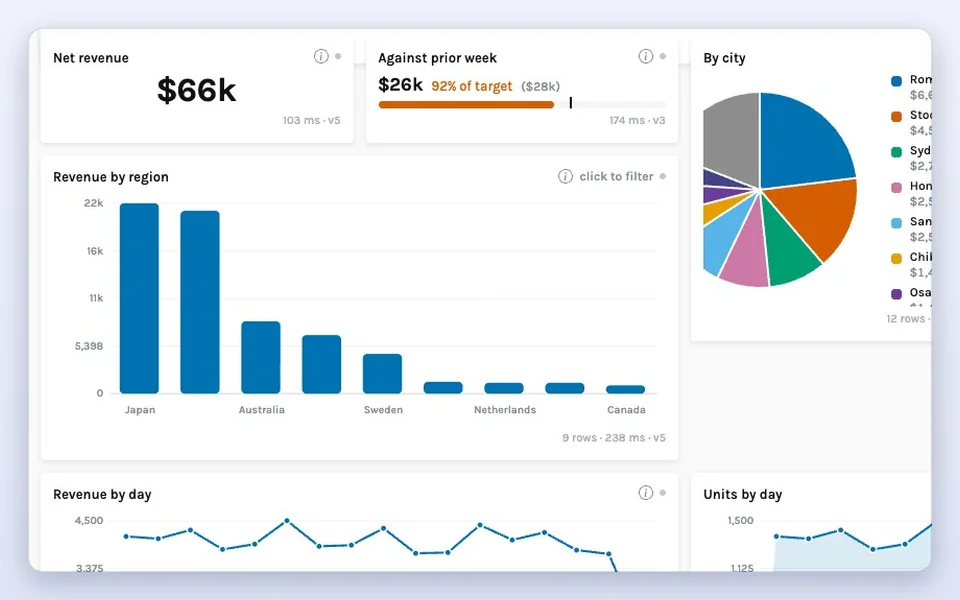
Discover insights in your warehouse, verify them once and serve them everywhere: answers, dashboards and data APIs.

  • Ask in plain English; every figure traces to a row
  • Governed, versioned data APIs for apps and agents
  • Runs in your environment, on any warehouse, with your own LLM
Data catalog

InsightDataCatalog

Enterprise AI data catalog for metadata search across databases, streams, workflows and BI.

  • Search topics, tables, workflows and dashboards in one place
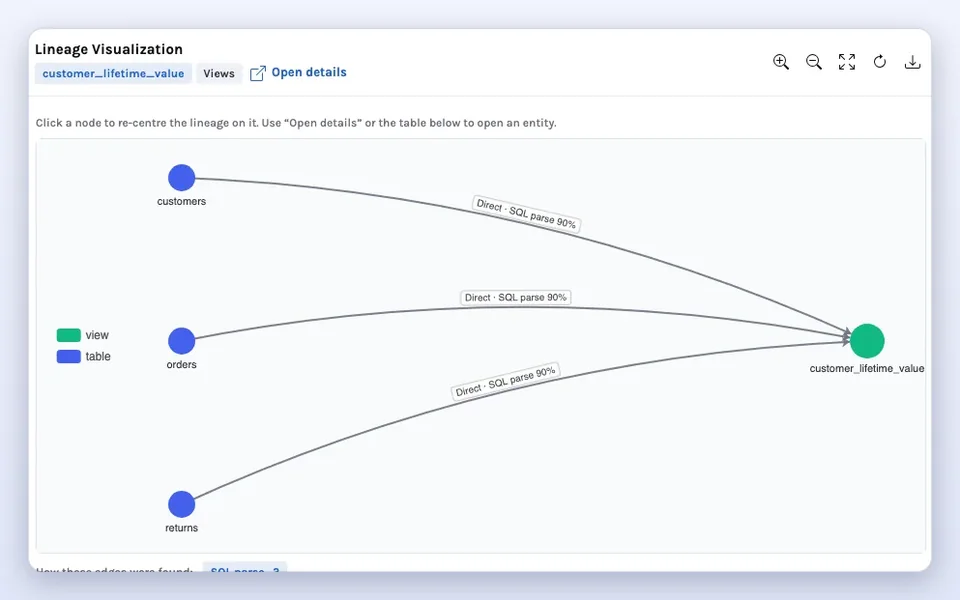
  • Lineage from source tables to the views built on them
  • Ownership and descriptions where people look for them
Workflow engine

InsightDataFlow

Low-code and no-code workflow engine for agents, data, ML and AI pipelines across clouds.

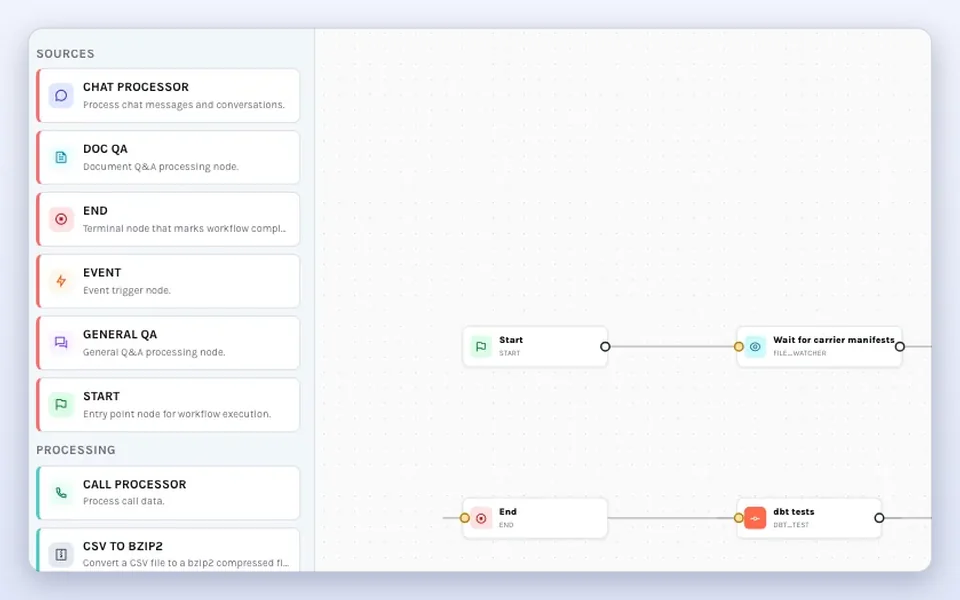
  • A visual designer with source and processing nodes
  • Pipelines for data, ML and agent workflows
  • Runs across AWS, Azure and Google Cloud
Proof and reading

Data platform work and field guides

Case studies from our data platform and migration engagements, and related guides.

These engagements did not run on Snowflake; they show the same migration and modelling method the Snowflake POD uses.

Field guides and worked examples

FAQ

Questions about the Snowflake POD

Snowflake or Databricks?

Both are good platforms; the right one depends on your workloads, skills and what you already run. Many organisations run both and share data through Iceberg tables. The discovery week gives a recommendation with the reasons, and the Databricks POD follows the same method.

How do you migrate from our current warehouse?

SQL and procedures are converted, then old and new run side by side and are reconciled at row and measure level before reports switch over. Cutover happens in waves, one domain at a time.

How do you keep credits under control?

A warehouse per workload with sensible sizes and auto-suspend, resource monitors with alerts and limits, query tags for attribution, and a monthly review of the most expensive queries.

Can we use AI on our Snowflake data without moving it?

Yes. Snowpark and Cortex functions run inside your account under the same roles and policies. For copilots and agents, the GenAI POD builds on the same governed data.

What do we need before starting?

A Snowflake account (or a decision to create one), access to the source systems for the first domain, and an owner on your side for the result.

What happens after week 12?

Your team runs the platform with the runbooks, the dbt project and the Terraform. An optional managed tier can onboard further domains.

Start here

Scope a Snowflake POD

Tell us what you are moving from or what is not working today, and the first domain that matters. We will come back with how we would approach it.

  1. We reply within one business day

    A principal reads your note and comes back with questions, not a brochure.

  2. A 30-minute scoping call

    The outcome, the systems involved, the constraints, and who on your side will own the result.

  3. A one-week discovery

    It ends with an outcome statement, a scope and a fixed proposal naming the POD team.

Prefer email? contact@verticalserve.com. VerticalServe works from Millburn, New Jersey and Pune, India.

Tell us about the outcome

Goes to the same team as the contact page.